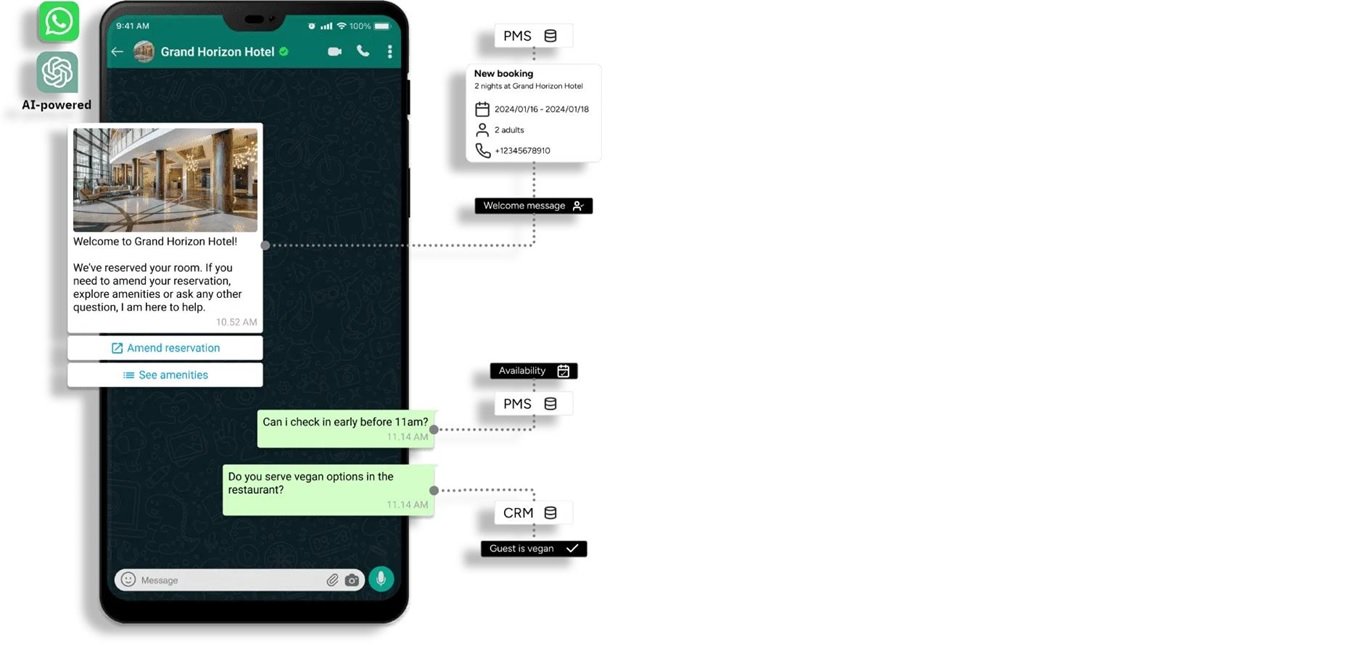
WhatsApp Blue Tick Verification: Complete Guide for Businesses (2026)
Trust is everything in business communication.
When customers see a verified badge on WhatsApp, they instantly feel more confident engaging with your brand.
This guide explains WhatsApp blue tick verification, how it works, and exactly how to get it for your business.
What is WhatsApp Blue Tick Verification?
WhatsApp blue tick verification is an official badge given to verified business accounts, confirming that the account belongs to a notable and authentic brand.
This badge appears next to your business name, even if the number is not saved by the user.
Key point: Only approved businesses get this badge, making it a strong trust signal.
Benefits of WhatsApp Blue Tick Verification
- Builds Trust: Customers recognize your brand as authentic
- Higher Engagement: People are more likely to respond
- Brand Visibility: Name appears without saving contact
- Improved Conversions: Trust leads to better sales
- Reduced Spam Perception: Users see you as legitimate
Insight: Verified accounts typically see better response rates and engagement.
WhatsApp Business Account Types
1. Regular Business Account
- Created using WhatsApp Business App
- No verification badge
- Basic features
2. Official Business Account (Blue Tick)
- Verified by Meta
- Displays blue tick badge
- Higher trust and visibility
Key difference: Only official business accounts get the blue tick.
Eligibility Criteria for WhatsApp Blue Tick
WhatsApp does not approve every business. You must meet specific criteria:
- Business Authenticity: Verified business details
- Brand Recognition: Known brand presence
- Media Coverage: Articles or PR mentions
- Active Usage: Regular WhatsApp communication
Important: Notability is one of the biggest factors in approval.
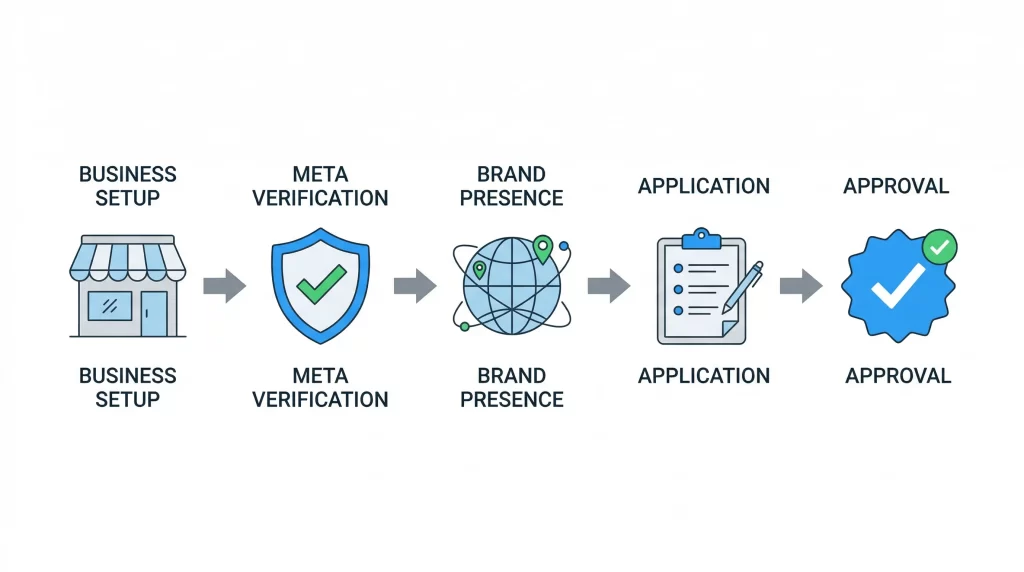
How to Get WhatsApp Blue Tick Verification (Step-by-Step)
Step 1: Register for WhatsApp Business API
- You must use WhatsApp Business API (not just the app)
- Work with an official provider
Step 2: Verify Your Business with Meta
- Submit business documents
- Complete Meta Business verification
Step 3: Build Strong Brand Presence
- Create a professional website
- Maintain active social media profiles
- Get media coverage or PR mentions
Step 4: Apply for Official Business Account
- Submit request through WhatsApp Business Manager
- Provide brand details and justification
Step 5: Wait for Approval
- Meta reviews your application
- Approval is based on credibility and notability
Key takeaway: Verification is based on trust, not just application.
Common Reasons for Rejection
- Low Brand Presence: No strong online identity
- No Media Mentions: Lack of credibility signals
- Incomplete Verification: Missing documents
- Inactive Usage: Not actively using WhatsApp API
Insight: Most rejections happen due to lack of brand authority.
Tips to Increase Approval Chances
- Build Online Presence: Website + SEO + social media
- Get Media Coverage: PR articles, news mentions
- Use WhatsApp Actively: Regular customer engagement
- Maintain Brand Consistency: Same name across platforms
Pro tip: Strong brand signals significantly improve approval chances.
How Livserv.ai Helps with WhatsApp Verification
Livserv.ai helps businesses streamline the entire process:
- WhatsApp API Setup: Quick onboarding and integration
- Automation: Chatbot workflows for engagement
- Verification Support: Guidance for Meta approval
- Lead Generation: Convert conversations into customers
Positioning: It enables businesses to set up WhatsApp automation and improve their chances of verification.
FAQs: WhatsApp Blue Tick Verification
How to get WhatsApp blue tick verification?
You need WhatsApp Business API, Meta verification, and strong brand presence.
Is WhatsApp verification free?
No, it requires API access and business setup costs.
How long does approval take?
It can take a few days to a few weeks.
Can small businesses get verified?
Yes, but they need strong brand visibility and credibility.
What is the difference between green tick and blue tick?
Both refer to official business verification, depending on region and UI.
Is media coverage required?
Yes, it significantly improves approval chances.
Conclusion: Build Trust with WhatsApp Verification
WhatsApp blue tick verification is a powerful trust signal for businesses.
It helps increase engagement, improve credibility, and drive conversions.
Final takeaway: Focus on building a strong brand presence before applying.
Platforms like Livserv.ai can help you set up WhatsApp automation and guide you through the verification process.